
retail standards & vmd guidelines
Last updated: 02/19/25
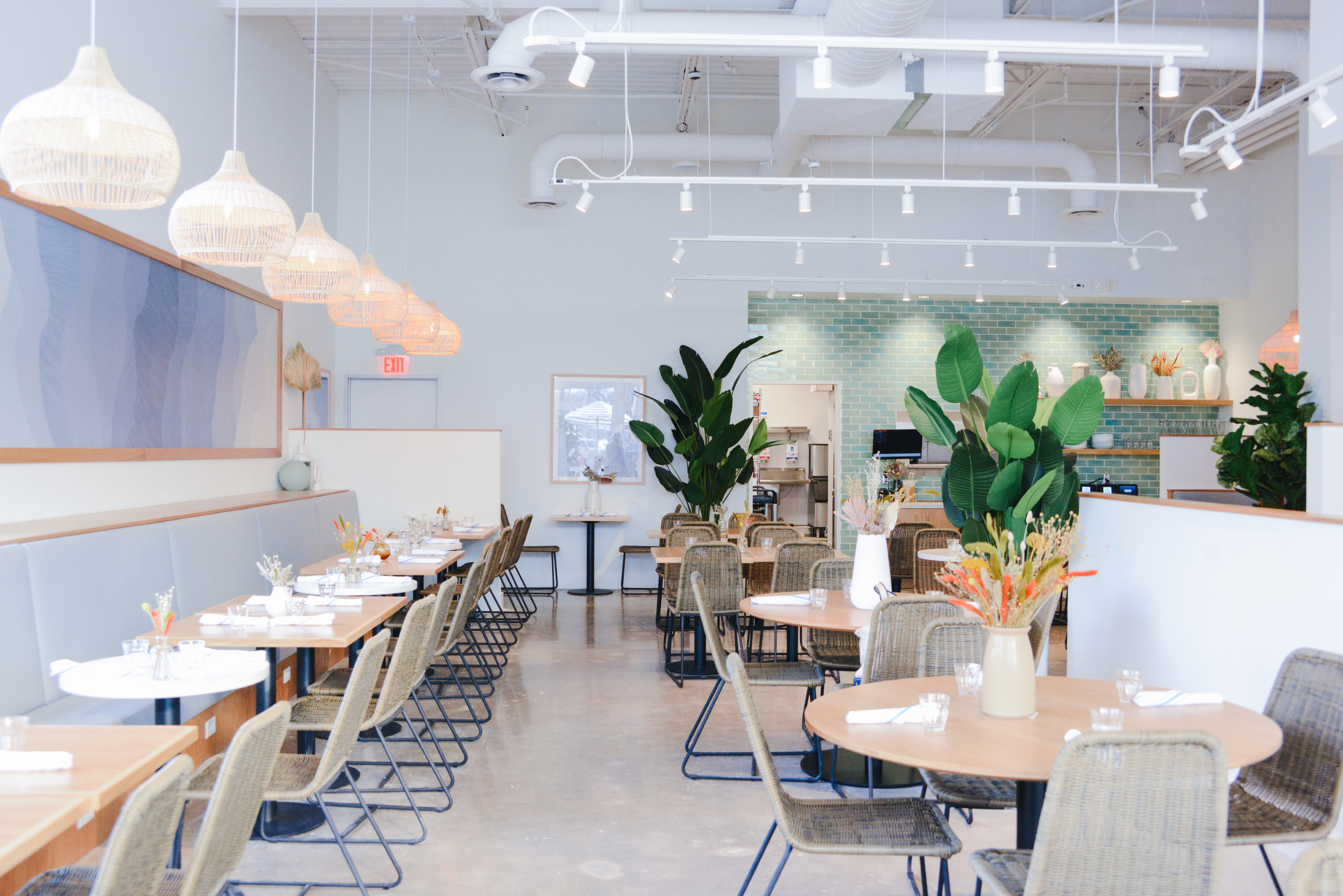
Table Of Contents
EXTERIOR BRANDING
Café vs Coffee Shop
Each Bluestone Lane will have key visual cues to indicate whether they are a Café or a Coffee Shop Local. Please keep these in mind when reordering or adjusting exterior signage & decorations.

Wordmark Signage
Large retail wordmark signage must read as
BLUESTONE LANE COFFEE.
Umbrellas & Awnings
Awning and umbrellas are colored as solid blue. Leadtime for ordering replacement umbrellas is ~8 weeks.
To replace: Contact marketing@bluestonelane.com
COFFEE SHOP
CAFÉ
Wordmark Signature
Large retail workmark signage must read as BLUESTONE LANE.
Umbrellas & Awnings
Umbrellas at cafés must be striped pattern. If the building possess an awning, ideally it should be striped—to match with umbrellas. Leadtime for ordering replacement umbrellas is ~8 weeks.
To replace: Contact marketing@bluesstonelane.com
exterior signage
A-Frame Setup
Stores should have an A-frame on display at all times (with the exception of locations that are not allowed). A-frames must be placed in front of the store in a way that does not disturb customer flow or is blocking any other piece of signage.
A-frame panels will change depending on current campaigns and events. Please refer to the below displays as a generic option for when no special marketing initiative signage is required. For seasonal campaign related collateral (including A-Frane displays) please refer to the Operational Excellence Calendar
If you need a replacement A-frame panel, please contact marketing@bluestonelane.com. To order extra frames, click below
New Stores
For the first month of a store opening, please use the New Store A-frame display. After a month, please swap your display to the current Café or Coffee Shop setup.
Side 01: Brand "Good to See Ya, Mate"
Side 02: Golden Bean, Award-Winning Coffee

Coffee Shop
Side 01: Spring Matchas
Side 02: Spring Smoothies

Café
Side 01: Spring Matchas
Side 02: Spring Smoothies

Door Decals & Hours Signage

Door Decal
Our primary crest logo decal should be placed at eye-level on the front doors of your store.
Hours of Operation
Hours signage should be suctioned to the side of the door on the window at a similar height. Hours should be printed via label printer with the formatting:
7:00 - 4:00
- Do not include AM or PM
- Use spaces on either side of the dash
- Ensure the label is placed in the middle of the box
LGBTQ+ Safe Space & BLM Decal
These mini decals can either be placed directly below the crest on the door, on the side window under the Hours of Operation, or on the lower corner of the side window—depending on where it appears the least cluttered.
Service Animals Decal (Optional)
For locations that require, a SERVICE ANIMALS ONLY decal can be placed at the bottom of the door frame.

interior styling
Store Image Library
As part of our Beautiful Spaces intiative, our coffee shops & cafés must look as organized and clean as they were on opening day.
Please refer to our Store Image Library for a visual of each store & its ideal setup.

retail coffee display
Planograms
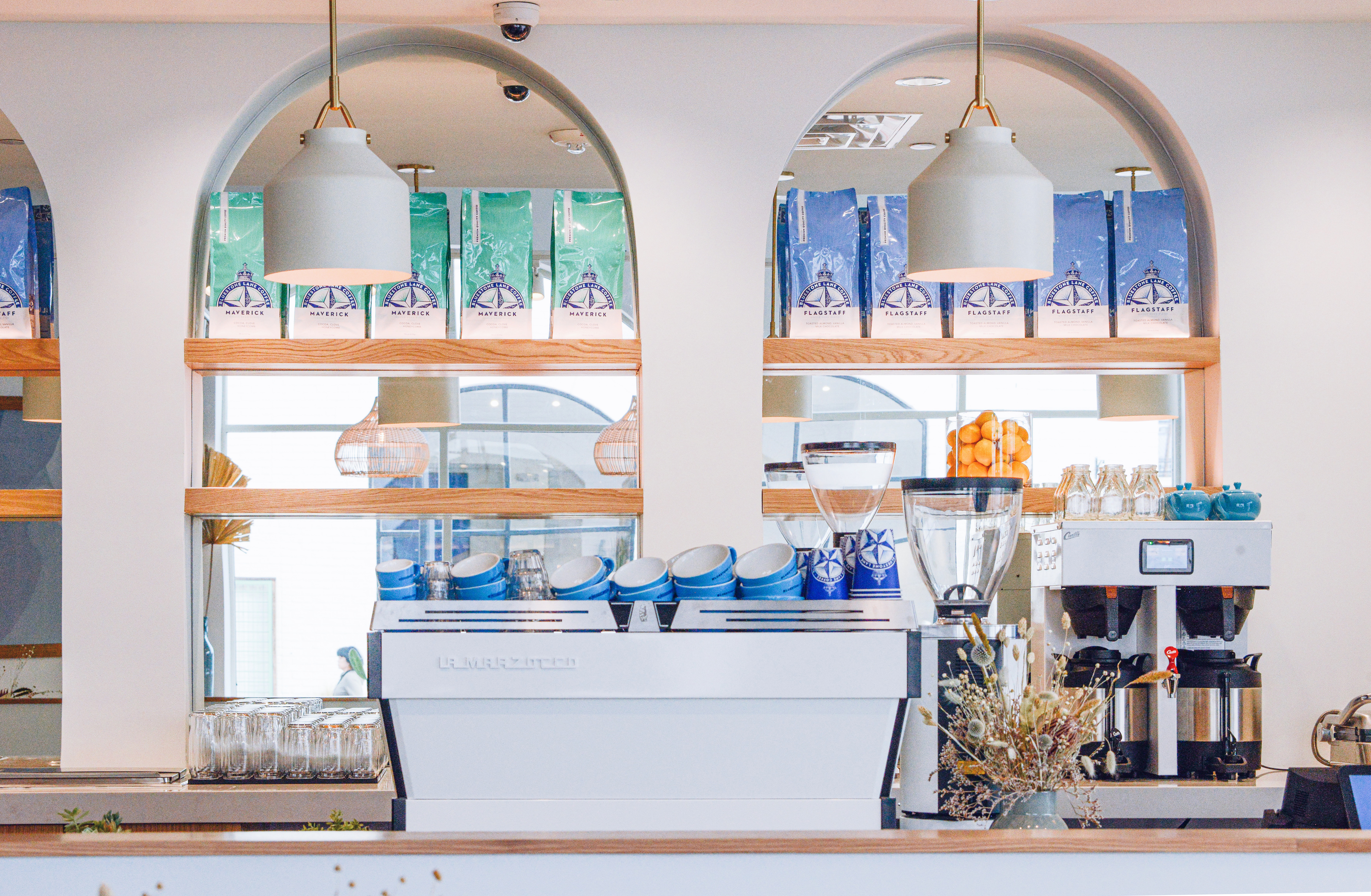
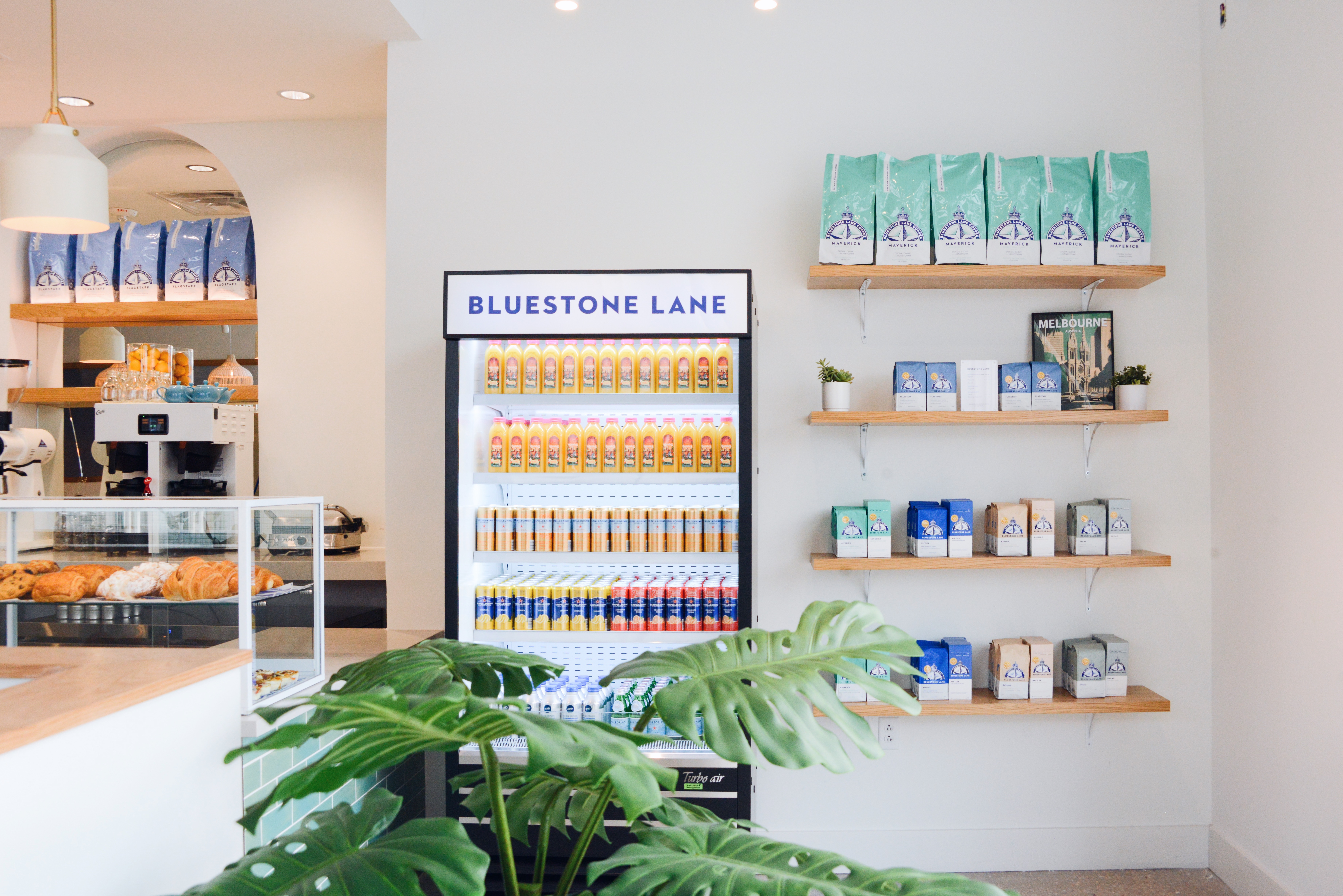
Though each stores' retail shelf varies, a general list of rules can be followed to create an organized and aesthetic shelf. Please keep these rules in mind while using the planograms as a guide.
Do not overfill your shelves. Remove unnecessary items if you don't have room.
Keep your displays clean.
Do not crowd the space with bags—if you have gaps, fill them in with small plants, KeepCups, or approved decorations.
Riptide, Maverick, and Bayside must be added in equal amounts and grouped together on the shelf
Flagstaff bags can be added freely and kept separate from the espresso blends.
Decaf can remain separated from the other SKUs, but should be grouped with Riptide, Maverick, and Bayside when possible.
Retail signage must be printed correctly and placed in a 5x7 acrylic frame.
Capsules should be placed next to their respective matching bag, not separated.
Place capsule boxes to the left side of their respective retail bag.
If adding additional bags to fill space, place capsule box in between two bags.
Retail Signage
Pricing sheet should be printed, cut, and placed in an acrylic frame. Place it somewhere balanced in your retail display.

1-shelf (short)

1-shelf (Wide)

2-shelf (Short)

2-shelf (Wide)

3-shelf (Short)

3-shelf (Wide)

3-shelf (Super Wide)

4-Shelf


FRIDGE DISPLAY
Planograms
Follow the below planogram for your specific fridge style.
If products are missing and you are unable to order stock, fill in your fridge accordingly to look full at all times.
Ensure you also have the correct fridge strip for your location. Email marketing@bluestonelane.com if you need a replacement.
Tall (Coffee Shop)
Row 1
Specialty Juices
Row 2
Something & Nothing, Poppi
Row 3
Vita Coco, Grab&Go Food
Row 4
Plain Water

Low (Coffee Shop)
Row 1
Plain Water
Row 2
Something & Nothing, Poppi
Row 3
Vita Coco, Grab&Go Food
Row 4
Specialty Juices

In-built (Café)
Section 1
Plain Water (large), Plain Water (small)
Section 2
Something & Nothing, Poppi, Vita Coco
Section 3
Specialty Juices

pastry case
Guidelines
Similarly to the retail coffee shelves, each location has different space and offering. A general list of rules can be followed to create an organized and aesthetic shelf. Please keep these rules in mind while using the planograms as a guide.

Do not overcrowd and overfill your pastry case. Only put as many pastries as you can fit flat. Only stack items 1 tier high at max.
Pastry tags should be neatly placed—centered in the holders, front or slightly off-center from the pastries, clean and readable.
Only use approved and appropriate paper type, wooden blocks, and pastry trays.
Paper Specs: 100lb Laser Cover (Matte) CC4

pos & Coffee pass & Pickup Area
Local Transaction Points
Each one of these locations is a point of high interaction with locals and has their own priority for communcation.
POS Area
Upsell / Order-placing Actions

Coffee Pass
Peripheral Education of Secondary Bluestone Services

Coffee Pass
*With No Pickup Shelf
Peripheral Education of Secondary Bluestone Services + Order Ahead Pickup Area

Order Ahead / App Pickup Area
The priority for your Pickup Area should be cleanliness. It is important that it is clear and easy for locals to grab their to-go orders.
Shelf should include an Order Ahead Pickup Area sign and Name Markers.

Delivery Collateral
DELIVERY FLYER
Place in every delivery bag for orders placed through 3rd-Party apps.
APP CARD (COFFEE ON US)
Place at or near the POS. To give to any locals to entice them to download our app.
*Note: Free coffee only applies to new users who download the app.
DELIVERY STICKER
Place on delivery bags for ordres placed through 3rd-Party apps.
signage printables
These printables are the standard practice signages that should be displayed at all times within your store. Please also carefully reference how to print, cut, and display each signage type.
Any temporary campaign-related signage (ex. partnership signage, trial signage, etc.) can be found in weekly comms.
Door Signage (Acrylic Frame)
Printing & Display
These files will be a final size of 8.5x11. Print at 'Actual Size' on regular paper. Place the frame on your front door or to a visible window to the side.
NOW HIRING POSTER
Coffee Shop & Café
For stores with open positions that need extra hiring assistance. Contains a QR code for locals to see open positions.
STORE NOTICES
Coffee Shop & Café
For misc. related messages and notices.
TEMPORARY STORE HOURS
Coffee Shop & Café
For notices reguarding holiday or seasonal hour changes.

Menus

Specials Menu
Cafés Only
To set up your Specials Menus, use the blue acrylic board at the back, placing the printed menu on top. Secure it with Bluestone Lane white bands at the top and bottom. Position one Specials Menu at each table alongside the printed menus, and remove them after the orders are taken. Please do not leave the Specials Menus on the tables before guests arrive or after orders are placed. For new boards, contact marketing@bluestonelane.com.
ALCOHOL MENUS
Café Only
Please ensure to print the correct menu for your store.
LITTLE LOCALS
Café Only
For locations that have a kid's menu offering.
Misc Printables

Printing & Display
These files will be a final size of 5x7. Print at 'Actual Size' and cut straight across connecting the thin crop marks. Sometimes the background may be cut off—this is intentional. Place the frame near your POS where it is not blocking space or views.
APPAREL & MERCH
Applicable Stores
Place on/near shelf with merch display.
CASH WRAP SNACKS
Coffee Shop & Café
For stores that offer snacks at their POS/cash wrap area. Display acrylic frame nearby.
